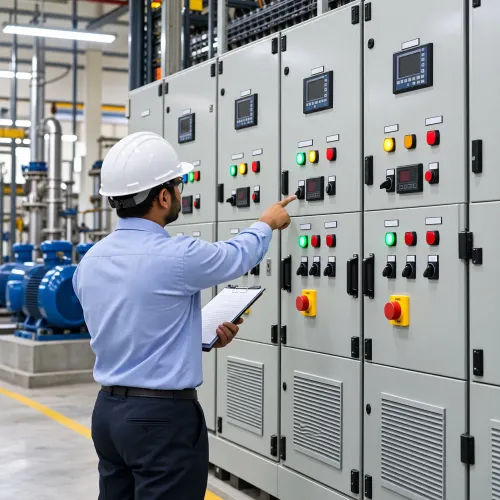
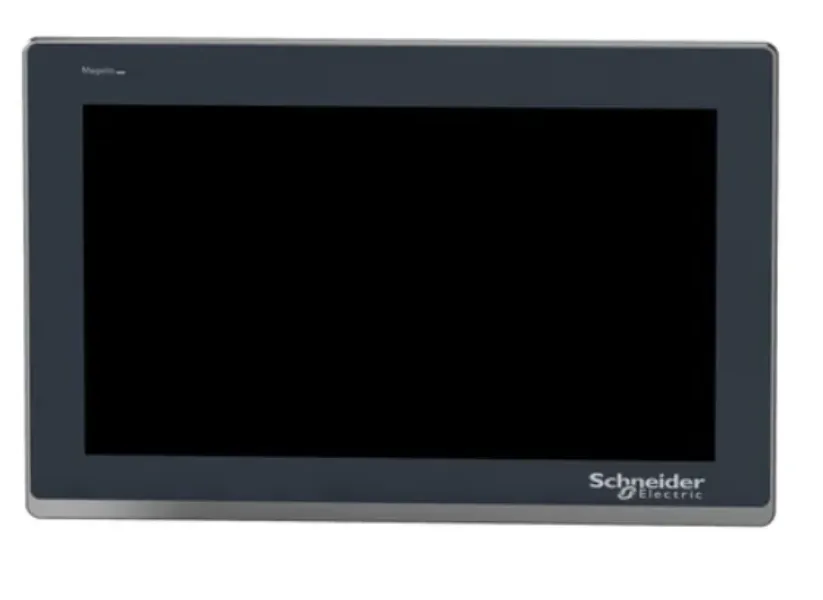
An HMI gives machine operators a visual connection to the automation system. It can show process values, machine status, production information, alarms, setpoints, operating modes, and diagnostic details.
Companies looking for a Schneider HMI Supplier Gujarat should consider how operators will actually use the interface rather than choosing a display based only on screen size.
Define the Operator's Requirements
Start by identifying the tasks performed during normal production.
An operator may need to:
- Start a process
- Select operating mode
- Enter production settings
- View machine status
- Monitor process values
- Acknowledge alarms
- Check production quantity
Maintenance engineers may need additional diagnostic information.
Separating these requirements helps create a clearer interface.
Choose a Practical Screen Size
Screen size should match the amount of information displayed and the viewing conditions.
A compact machine with a few operating parameters may not require a large display. A process involving numerous variables, trends, alarms, and settings may benefit from more screen space.
Mounting location and operator viewing distance also matter.
Verify PLC Communication
The HMI must communicate correctly with the control system.
Before selecting hardware, identify the PLC model, communication interface, and required protocol.
This becomes particularly important during retrofit projects where the HMI needs to connect with existing automation equipment.
Make Alarm Screens Useful
Alarms should help operators understand what needs attention.
A generic 'Fault' message provides limited information. Clear descriptions can help users identify the affected section of the machine.
Depending on system capabilities, alarm functions may include history, timestamps, acknowledgement, and prioritisation.
Keep Navigation Simple
Operators should be able to reach important information quickly.
Common screens may include:
- Main overview
- Manual controls
- Production settings
- Alarm page
- Machine status
- Maintenance information
- Process values
Consistent navigation reduces unnecessary searching during operation.
Control Access to Important Parameters
Some machine settings should only be changed by authorised personnel.
Where suitable, user access levels can help separate normal production functions from maintenance or engineering parameters.
This can reduce accidental changes.
Consider Factory Conditions
An industrial HMI operates in a demanding environment.
Temperature, dust, enclosure design, operator handling, panel mounting, and surrounding electrical conditions should all be considered.
Manufacturing facilities in Vadodara and across Gujarat should evaluate the complete installation rather than treating the HMI as an ordinary display.
Shreeji Automations supports Schneider HMI requirements as part of industrial automation solutions. Providing the PLC details, communication requirement, required screen size, number of operating functions, and installation conditions helps define the application more clearly.
A useful HMI does not simply display more data. It presents relevant information in a way that helps operators understand what the machine is doing and what action may be required.
Keywords